

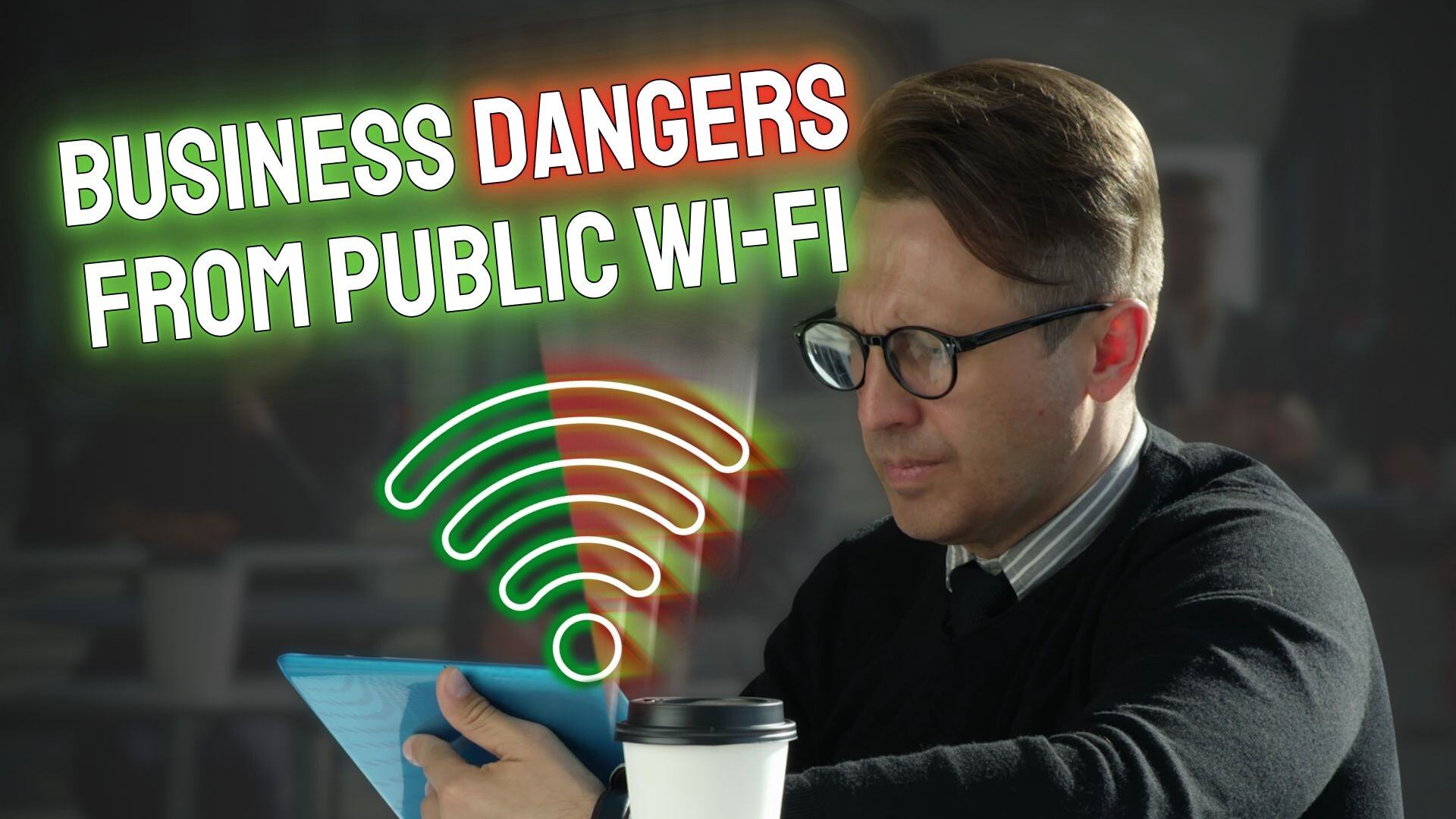
In an era where connectivity is key, public Wi-Fi networks have become a ubiquitous feature in locations like coffee shops, airports, and hotels. These networks provide essential internet access for business travellers and remote workers alike. However, the convenience of public Wi-Fi comes with significant risks, particularly to the security of business data.
The reality of using these unsecured networks is a potential goldmine for cyber criminals. The primary threats in this scenario include Man-in-the-Middle (MITM) attacks and Evil Twin attacks—terms that might sound like they’re straight out of a thriller, yet they pose genuine, detrimental risks to businesses.
Understanding the Threats
Man-in-the-Middle Attacks:
While sipping your latte and managing business transactions at your local café, a cyber criminal could be intercepting your communications. This type of attack involves a hacker positioning themselves between your device and the connection point. So, instead of talking directly to the coffee shop’s Wi-Fi, you’re sending your information through the hacker. This breach can expose everything from passwords and personal emails to sensitive business data and banking information. Often, the breach goes unnoticed, making it even more dangerous.
Evil Twin Attacks:
This threat manifests when cyber criminals set up a decoy Wi-Fi network, often mimicking legitimate ones. For example, in an airport, you might encounter networks named “Airport Free Wi-Fi” and “Airport Wi-Fi Secure”. One of these could be a malicious set-up designed to harvest data from anyone who connects. This type of attack not only captures similar data as MITM but can also plant malware on your device, further compromising personal and business information.
Mitigating Risks
However, there are effective strategies to mitigate these risks:
• Sensitive Transactions: Avoid performing high-risk activities, such as banking or confidential business communications, over public networks.
• Secure Connections: Always ensure that the websites you visit use HTTPS, indicating data encryption.
• Security Extensions: Utilize browser extensions that enhance security by blocking unwanted ads, cookies, and potentially malicious websites.
• Disable Auto-Join: Turn off automatic network connection features on business devices to prevent them from connecting to potentially unsafe networks.
• Vigilance with Pop-Ups: Exercise caution around suspicious pop-ups, which can be gateways to malware.
• Two-Factor Authentication: Implement 2FA to add an additional layer of security, making it tougher for unauthorized users to access your accounts.
• Regular Updates: Keep all software up to date to protect against vulnerabilities that could be exploited by hackers.
By taking these precautions, businesses can significantly lower the risk posed by public Wi-Fi.