

Network & computing hardware
Bought by the people who have to support it.
Computers, servers and networking specified for the work your staff actually do, delivered already configured, and replaced on a plan rather than when they die. We carry the consequences of a bad recommendation, which tends to improve recommendations.
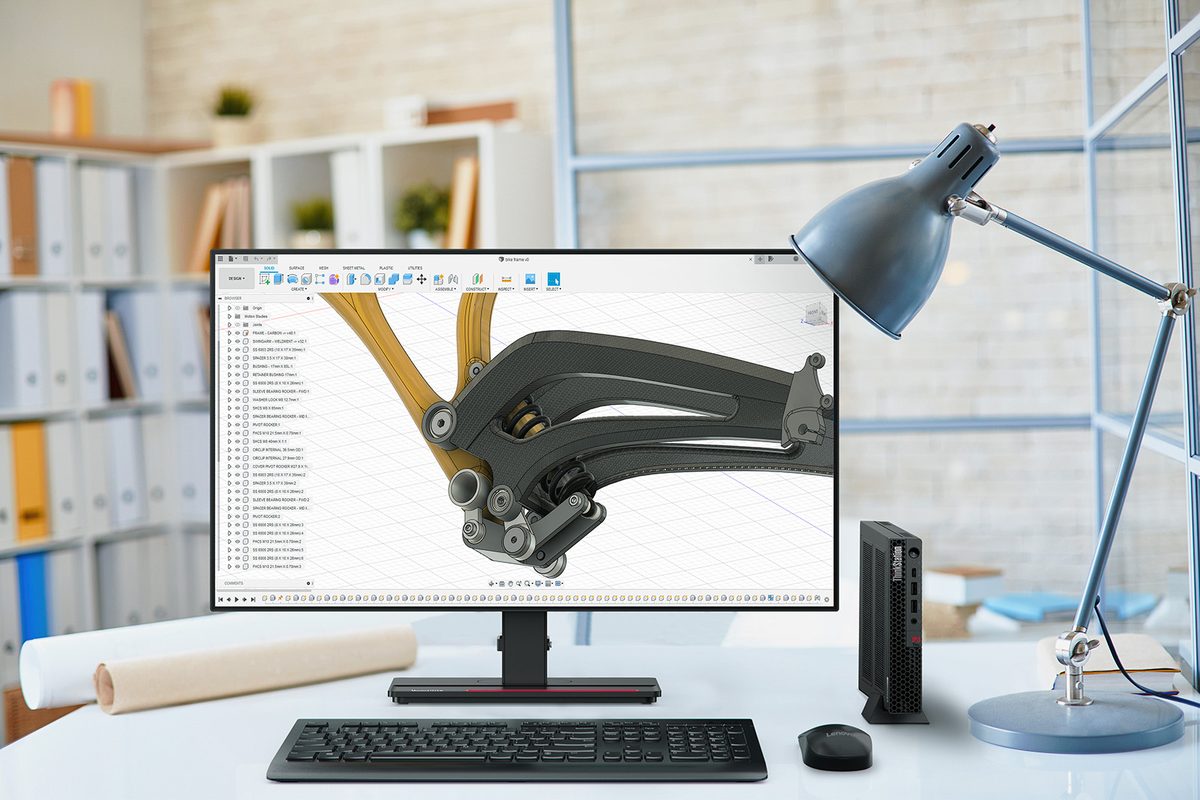
The purchase this prevents
The cheapest laptop on the shelf cost the most.
It was a few hundred dollars less, so it got bought. Then it shipped with a consumer version of Windows that had to be upgraded, took most of a day to set up because it was not built for business deployment, ran slowly with the actual applications your staff use, and had a warranty that meant posting it away for three weeks.
Multiply that by the number of people who have to keep working while it is gone. The saving disappeared before the first invoice was paid, and nobody wrote down where it went. A business Lenovo costs more on the shelf and less by the end of its second year.
What you are buying
The machine is the smallest part of it.
Specified
Against the work, not the price tag
What somebody runs all day determines what they need. A bookkeeper living in a large spreadsheet and an estimator running drawings want different machines, and both want something different from reception.
Over-specifying wastes money as reliably as under-specifying costs time. The point is to get it right rather than to get it cheap or get it impressive.
Delivered ready
Working on the first morning
It arrives configured, joined to your systems, signed in, with the applications your staff use and their files where they expect them. Not a box somebody has to spend a day on.
For a new starter that is the difference between being productive on day one and waiting until Thursday.
Planned
Replaced before it fails
Every machine has an age and an expected replacement date, and you get a budget number for next year rather than a series of unplanned cheques whenever something dies.
Failures are also considerably more expensive than replacements, because they happen at the worst possible time.
What we supply
Everything between the wall socket and the screen.
Computers
- Lenovo business laptops and desktops
- Business-grade Windows, not the consumer edition
- On-site warranty, so nothing gets posted away
- Docks, monitors and the things people forget to budget for
Servers and storage
- On-premise servers where they still make sense
- Virtualisation, so one box does the work of several
- Network storage, sized against how fast you are growing
- An honest answer about whether you need one at all
Networking
- Cisco Meraki and Ubiquiti UniFi, whichever suits the site
- Business firewalls, configured rather than plugged in
- Switches that will take another few years of growth
- Wi-Fi surveyed to cover the whole floor, including the awkward corner
- Guest and staff networks kept properly apart
The physical work
- Structured cabling, done once and done properly
- Server room and comms cupboard design
- New office fit-outs and moves
- Labelling, so the next person can work out what is what
The paperwork
- Quotes you can read, with options rather than one number
- Purchase or lease, costed both ways
- Warranty claims handled by us, not by you
- An asset list that is actually current
At the other end
- Old equipment wiped to a standard, with a record of it
- Responsible recycling and disposal
- Trade-in value chased where it exists
- Licences reclaimed rather than quietly abandoned
Two networking lines, on purpose
We find the right products for your environment, your budget and your needs.
Networking is the one area where carrying a single line does not serve you well. The right answer for a twelve-person office and a multi-site operation with staff who never sit still are genuinely different products.
Cisco Meraki
When the network has to be watched
Managed entirely from the cloud, with strong visibility, reporting and central control across sites. Changes can be made without anybody driving anywhere, and problems surface before somebody phones about them.
It carries an ongoing licence per device, which is a real cost and buys something real. Multi-site businesses, and anywhere the network is genuinely critical, usually land here.
Ubiquiti UniFi
When the value has to be right
Excellent hardware with no per-device licence attached, managed from one place, and a great deal of capability for the money. Wi-Fi, switching and firewalls from one family that works together.
It asks a little more of whoever looks after it, which is fine when that is us. A single well-covered office is very often better served by this than by paying licences it will not use.
We will tell you which one your site actually calls for, and why, including when the cheaper answer is the right one. The recommendation should come out of your building and your business, not out of whichever line happens to be easier for us.
Why we are not brand agnostic about everything
We standardise on computers, and we will tell you when to ignore us.
Supporting eleven different makes of laptop is slower and worse for you than supporting one. We settled on Lenovo because the business range holds its spec, the on-site warranty is genuinely on-site, and the deployment tooling does not fight us. Parts, drivers, warranty processes and deployment become known quantities, and a problem on your machine is one somebody has already seen. Networking is the deliberate exception, for the reasons above.
That is a real benefit, and it also happens to suit us, so it is worth saying plainly. If your business genuinely needs something outside what we normally supply, say so and we will source it. Our preference is not a rule, and a machine that is wrong for the job is not a saving.
- Fewer variables, faster fixes
- Warranty handled by us
- Specialist kit sourced on request
- Buy elsewhere if you want to
Questions we get asked
The things owners actually want to know.
Pulled from the central library, tagged for this page. All questions and answers →
You do not need a contract
Buying hardware from us is not something you have to be signed up for.
Plenty of the equipment we quote goes to businesses we do not support, and to ones who have their own IT person or another provider entirely. There is no agreement to sign, no minimum, and no expectation that a quote turns into anything else.
You still get the part that matters: the machine specified against the work rather than the price tag, business-grade Windows rather than the consumer edition, on-site warranty so nothing gets posted away, and a quote you can actually read with options in it rather than one number. Tell us what your people do and we will put a number against it.
- No contract, no minimum
- Specified against the work
- Delivered configured, if you want
- Warranty handled by us either way
One-off
A handful of machines
A few replacements, a new starter, or a department refresh. Quoted, ordered and delivered, with the setup work priced separately so you can take it or leave it.
A project
An office move or a fit-out
Cabling, switching, Wi-Fi and everything that plugs into it, scoped as a project with a fixed price. Common for businesses whose own IT person would rather not run the physical side.
Ongoing
A standing arrangement
Preferred pricing, a lifecycle plan and hardware that arrives ready to hand over. This is where a support agreement starts to pay for itself, but it is a separate decision and we will say so.
Ask us for a custom quote → Tell us roughly what the machines are for and how many, and we will come back with options rather than a single number.
Related
Often taken alongside this.
Send us the quote you are looking at.
Or tell us what you need and we will build one. No contract, no obligation, and an honest answer about whether what you have been quoted is the right machine at a fair price.
Would rather write?
Send this and we will reply, usually the same business day. No call unless you want one.
Protected by reCAPTCHA.