

AI guidance and security
Your people are already using it.
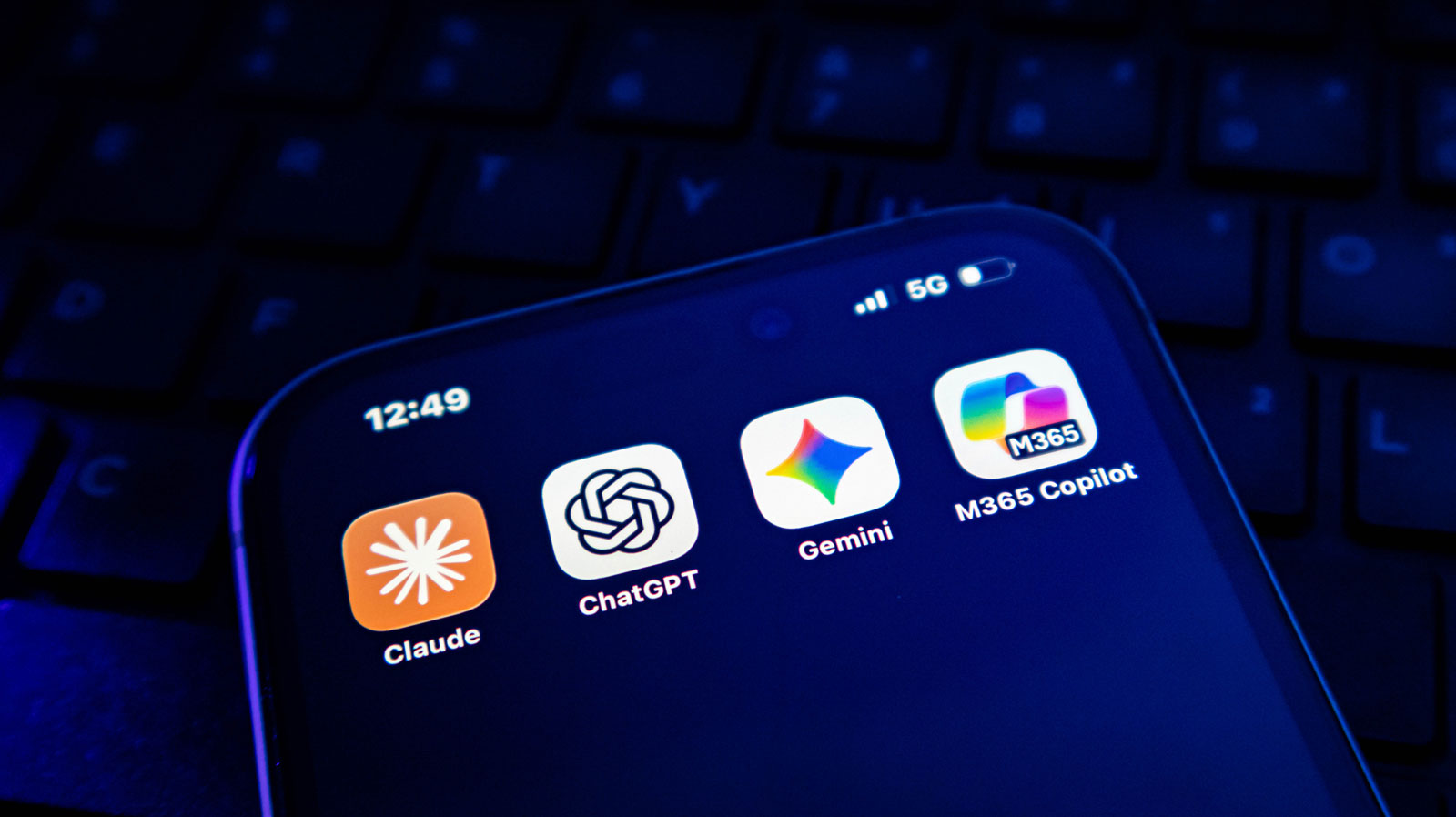
Copilot, Gemini, Claude, ChatGPT. Somebody in your business opened one of them this week, probably on a personal account, probably with something of yours pasted into it. The useful question is not whether to allow AI. It is whether what is already happening is happening safely.
The conversation this prevents
“Which one did you paste it into?”
Somebody pastes a client list, a draft contract or a payroll spreadsheet into a chatbot to get help with it. It saves them twenty minutes. It is also the first time your business has ever sent that information to a company you have no agreement with, on an account you do not control, with settings nobody has read.
Nothing visibly goes wrong, which is the problem. There is no alert, no ticket and no way to find out afterwards what went where. The first time it matters is a client asking how you handle their information, an insurer asking the same question in writing, or a staff member leaving with an account nobody knew existed.
The four you have heard of
They are not interchangeable, and one of them is probably already yours.
We are not tied to any of them. The right answer usually depends on what you already pay for, what your obligations are, and what your people were going to use anyway.
Microsoft Copilot
Lives inside Microsoft 365, so it can see the email, files and Teams conversations you already have. That is what makes it genuinely useful and exactly what makes the permissions matter: it will happily find a document somebody was never meant to have access to. Licensed per person, and not cheap.
Google Gemini
The same idea for businesses on Google Workspace, sitting across Gmail, Drive and Docs. Same strengths, same question about who can already see what. If you are a Workspace business, this is usually the one to assess first rather than adding a fourth vendor.
Anthropic Claude
Used on its own rather than inside an office suite. People reach for it for long documents, careful drafting and going through something in detail. Business plans keep your material out of training; the consumer version is a different arrangement, which is the distinction that matters.
OpenAI ChatGPT
The one your staff already have, almost certainly on a personal account they signed up for themselves. That is not a reason to ban it. It is a reason to know it is there, and to move the work onto an account your business actually controls.
The unfashionable bit
Which tool you pick matters less than the rules around it.
Most of the effort goes into choosing a product, and most of the risk is somewhere else entirely. Two businesses can run the same tool and be in completely different positions, because one of them decided what may be put into it, on which accounts, by whom, and wrote it down.
The gap is rarely the technology. It is that nobody was ever told. Staff are guessing at what is allowed, usually generously, and a guess is not a policy you can show a client.
- What may go in, and what never does
- Business accounts, not personal ones
- Who is responsible for checking the output
- Written down, in a page, not a binder
What we do
Engage, educate, guide, steer, and above all secure.
Engage
- Find out what is already being used, without anybody getting into trouble for saying so
- A short session with your team about what they are actually trying to get done
- The tasks worth automating, and the ones that are fine as they are
- An honest read on whether AI helps your business yet
Educate
- Plain-language training for people who do not work in IT
- What these tools are good at, and where they confidently make things up
- How to spot an answer that is wrong but sounds right
- The scams that now use AI, and what they look like
Guide
- A usage policy written for your business, in a page somebody will read
- Which tool for which job, based on what you already pay for
- Licensing worked out before you buy, not after
- A pilot with a few people first, rather than a company-wide switch
Steer
- Accounts moved onto your business tenancy where you can see them
- Permissions tidied first, so Copilot cannot surface what it should not
- A review of what has changed, because these tools change monthly
- Somebody reading the vendor release notes so you do not have to
Secure
- Data loss controls, so the obvious things cannot leave
- Multi-factor and conditional access on every AI account
- Retention and training settings checked rather than assumed
- Leavers lose access to this the same day they lose everything else
Prove it
- An answer ready for the client who asks how you use AI
- The same answer ready for your insurer, in writing
- Your obligations under PIPEDA and BC’s PIPA, in plain terms
- More on audits & compliance →
Where the risk actually is
The permissions problem arrives before the AI does.
Copilot and Gemini can only reach what the person using them can already reach. In most businesses that is far more than anybody realises: an old shared folder everyone was added to years ago, a departed manager’s mailbox still sitting there, a finance file that got moved somewhere convenient. Nothing surfaced it before, because nobody was searching for it.
Turning AI on turns that into a search engine. So the permissions get tidied first. It is the least glamorous part of this work and the part that prevents the incident.
- Who can see what, actually
- Old shares and open folders closed
- Departed accounts dealt with
- Then, and only then, switch it on
Questions we get asked
The things owners actually want to know.
The ones that come up most, answered in one place so the answer here and the answer anywhere else on the site are the same words. All questions and answers →
Are scammers using AI now?
Routinely. The obvious tells people were trained on, poor spelling and clumsy phrasing, have largely gone. The messages are fluent, they reference real details, and voice cloning is now cheap enough to be worth a criminal’s time. The defence is process rather than suspicion: verify a payment change by phoning a number you already had.
Can AI just make things up?
Yes, confidently and in complete sentences, which is what makes it dangerous rather than merely wrong. It is fine for a first draft and poor for a fact you have not checked. Training people to recognise that is most of the value in this work, and it is why the output always needs a named human between it and a client.
Do we need an AI policy?
Yes, and it should be a page rather than a binder. Without one your staff are guessing at what is allowed, usually generously, and a guess is not something you can show a client or an insurer. It needs to say what may go in, what never does, which accounts to use and who checks the output before it goes out.
Is it safe to put our information into ChatGPT or Copilot?
It depends entirely on the account. A business account with the right settings keeps your material out of training and under an agreement you can show somebody. A personal account signed up for by a staff member is none of those things, and that is what most businesses are actually using. Moving the work onto accounts you control is usually the first thing we do.
Should we be using AI at all?
Your people already are, so the choice is not whether but whether you know about it. Beyond that it depends on the work. If your team spends real time on drafting, summarising or going through long documents, there is something here. If they do not, you can wait, and we will tell you that rather than sell you licences.
What do we tell a client who asks whether we use AI?
The truth, in writing, prepared in advance. The question is becoming routine in contracts and insurer questionnaires, and the businesses that struggle are the ones answering it for the first time under pressure. Part of this work is making sure you have that answer ready and that it is accurate.
Which one should we use?
Usually whichever fits what you already pay for. If you run Microsoft 365, assess Copilot first. If you run Google Workspace, Gemini. Adding a third vendor is worth it only when there is a job the one you have does badly. We are not tied to any of them and we will say when the honest answer is none of them yet.
Will Copilot let staff see things they should not?
It can, and this is the part people are caught out by. Copilot can reach whatever the person using it can already reach, and in most businesses that is far more than anybody realises: old shared folders, a departed manager’s mailbox, a finance file somebody moved somewhere convenient. Nothing surfaced it before because nobody was searching. We tidy the permissions before switching it on.
Related
Often taken alongside this.
Find out what is already going on.
Half an hour, no charge. Worst case you leave knowing which tools your people are using and whether that is a problem.
Would rather write?
Send this and we will reply, usually the same business day. No call unless you want one.
Protected by reCAPTCHA.