

The blog
Microsoft 365
-

Could Microsoft Edge soon make Copilot your default sidekick?
Copilot’s auto-launch function is immediately available each time you start the browser, making the AI tool instantly accessible without additional clicks.
-
Caution: Check Your Hardware Requirements Before Upgrading to Windows 11
Microsoft outlines specific hardware requirements for Windows11. They are critical criteria your devices need for proper and secure functionality
-
Microsoft Enhances Windows 11 Experience with Smarter Start Menu Recommendations
Fed up seeing useless “Recommendations” in the Windows 11 Start menu? Good news – a fix is on the way.
-
Windows 11 Adoption Surges: Is Now the Time for Your Business to Upgrade?
Windows 11 introduces robust security measures tailored to safeguard businesses against contemporary cyber threats, such as Ransomware and Phishing Attacks.
-

Streamlining Your Workflow with Windows 11: Harnessing the Power of Auto-Launch
Microsoft Windows 11 offers a transformative feature for enhancing productivity, by automatically launching your most essential apps as soon as you log in.
-

Transforming Business Operations with AI: A Glimpse into Windows 11’s Virtual Assistants
AI agents can be programmed to start your workday with your computer already briefed about your schedule, priorities, and asks at hand.
-
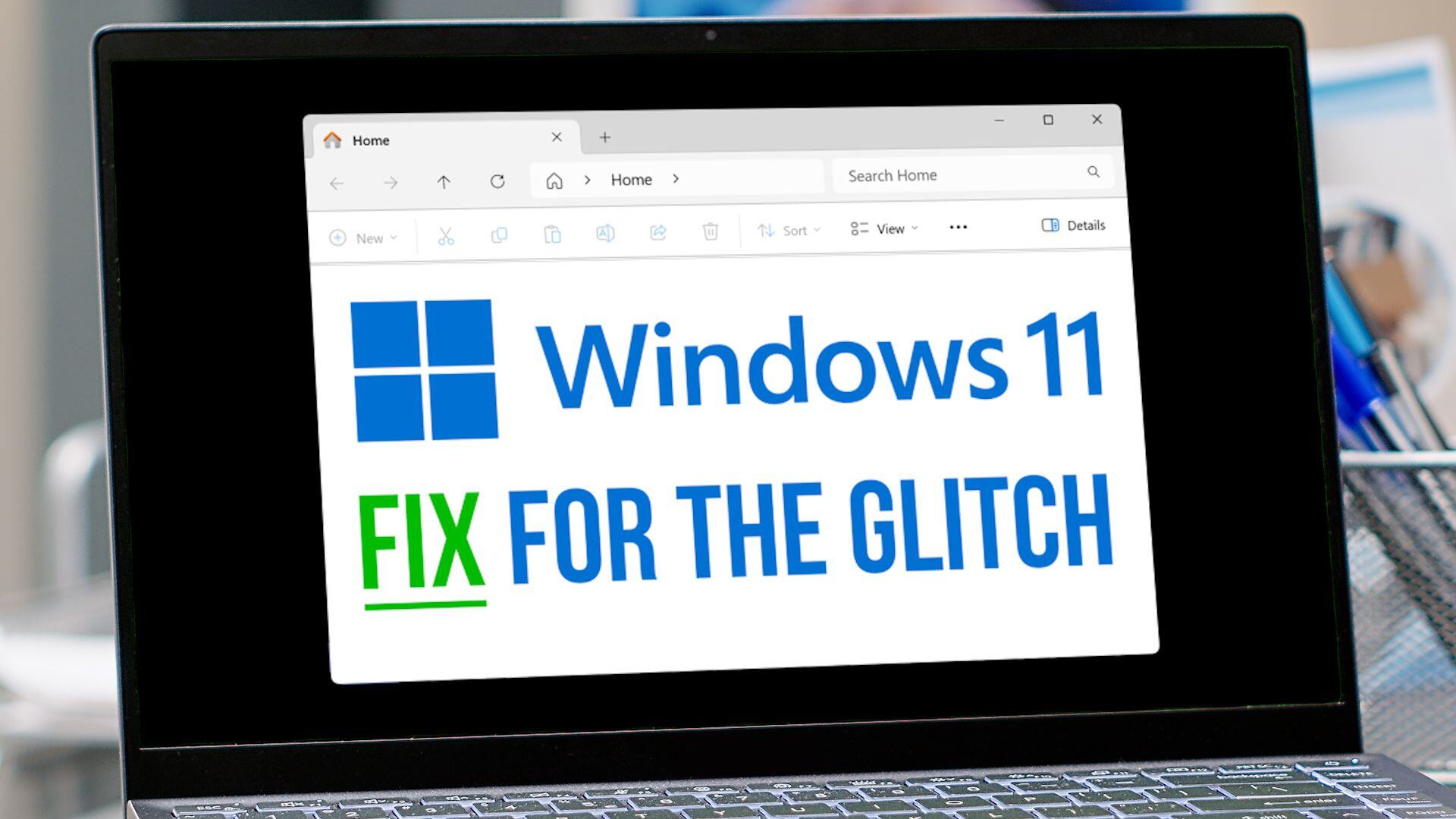
How to fix that Windows 11 File Explorer glitch
File Explorer serves as the primary interface for navigating your files and folders. In the latest update, a glitch has emerged with the “See…
-
Title: “Begin on Your Smartphone, Continue on Your Desktop: Seamless Integration with Windows 11”
The ability to switch between your phone and PC instantly enhances productivity and also caters perfectly to the needs of remote teams and digital…
-
Windows Updates Simplify User Sign-Out: A Step Forward for Ease and Efficiency
Microsoft’s recent Windows 11 updates initially caused some confusion by rearranging the Start menu options, including the user sign-out feature
-

Microsoft Edge Enhances User Experience with Streamlined Browser Settings
Microsoft is overhauling the settings in Edge. This means less time spent searching through complex menus and more time using the browser efficiently.