

The blog
Windows 11
-
Caution: Check Your Hardware Requirements Before Upgrading to Windows 11
Microsoft outlines specific hardware requirements for Windows11. They are critical criteria your devices need for proper and secure functionality
-
Microsoft Enhances Windows 11 Experience with Smarter Start Menu Recommendations
Fed up seeing useless “Recommendations” in the Windows 11 Start menu? Good news – a fix is on the way.
-
Windows 11 Adoption Surges: Is Now the Time for Your Business to Upgrade?
Windows 11 introduces robust security measures tailored to safeguard businesses against contemporary cyber threats, such as Ransomware and Phishing Attacks.
-
Streamlining Your Workflow with Windows 11: Harnessing the Power of Auto-Launch
Microsoft Windows 11 offers a transformative feature for enhancing productivity, by automatically launching your most essential apps as soon as you log in.
-

Transforming Business Operations with AI: A Glimpse into Windows 11’s Virtual Assistants
AI agents can be programmed to start your workday with your computer already briefed about your schedule, priorities, and asks at hand.
-
How to fix that Windows 11 File Explorer glitch
File Explorer serves as the primary interface for navigating your files and folders. In the latest update, a glitch has emerged with the “See…
-
Windows Updates Simplify User Sign-Out: A Step Forward for Ease and Efficiency
Microsoft’s recent Windows 11 updates initially caused some confusion by rearranging the Start menu options, including the user sign-out feature
-
Title: “Begin on Your Smartphone, Continue on Your Desktop: Seamless Integration with Windows 11”
The ability to switch between your phone and PC instantly enhances productivity and also caters perfectly to the needs of remote teams and digital…
-
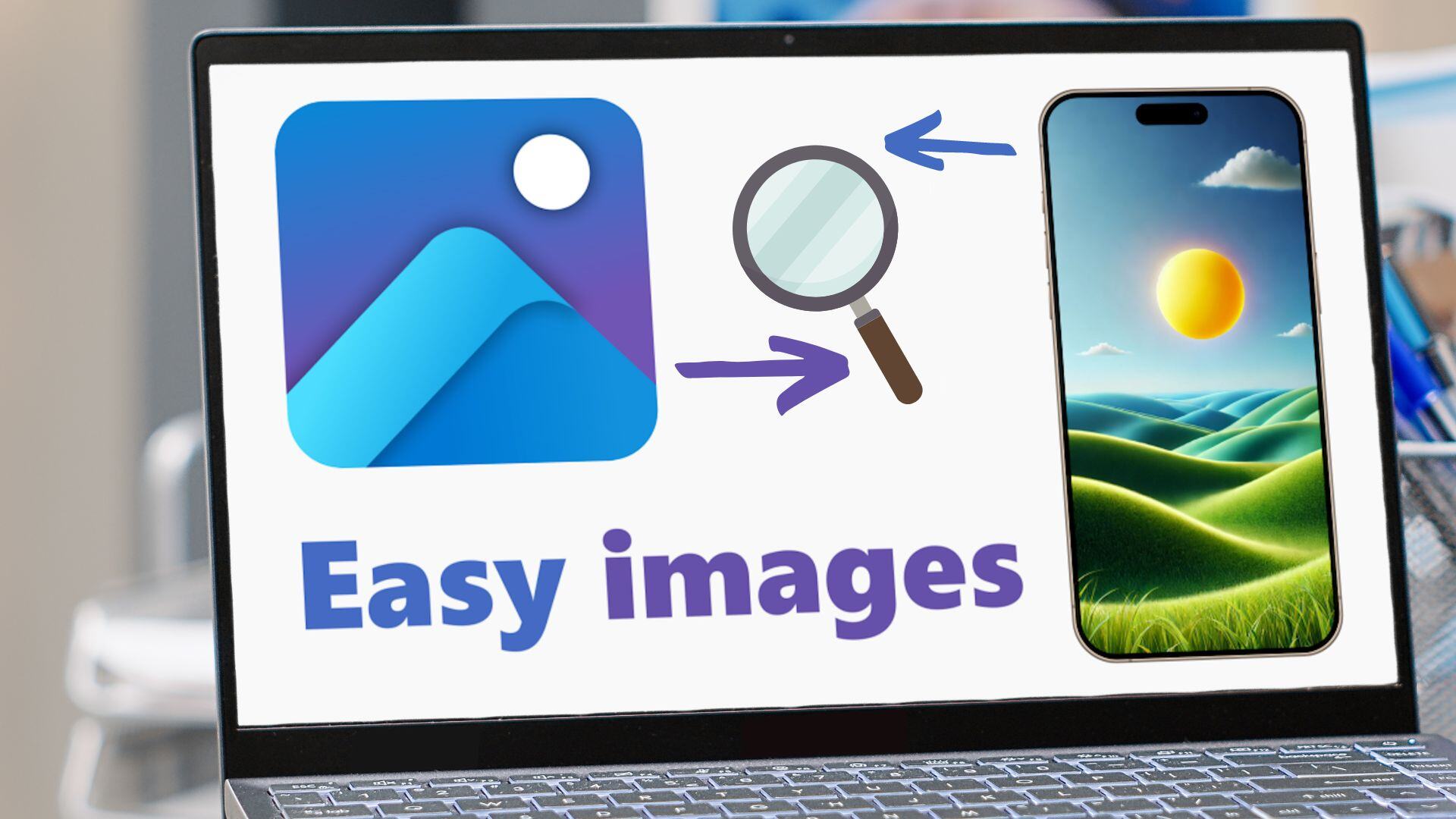
Unveiling Enhanced Capabilities in Windows 11: The Power of Visual Search in Windows Photos
The introduction of Visual Search powered by Bing within the Windows Photos app heralds a new era of digital convenience and capability.
-
A Tool to Boost Your Writing Accuracy in Windows 11
Windows 11’s Spellcheck and Autocorrect reduces the risk of embarrassing mistakes and enhances overall productivity.