

The blog
Windows 11
-

Discover Seamless Productivity: How Microsoft Copilot Transforms Office Tasks
At its core, Copilot is an AI tool designed to simplify and automate the mundane and time-consuming tasks that slow down your workday.
-
Ease Your Upgrade Worries: Why Moving to Windows 11 is Smoother Than You Think
With the upcoming end of support for Windows 10 in October 2025, business owners face a critical decision: upgrade to Windows 11 or keep…
-
Making Windows Updates Easier: Microsoft’s New Strategy for Windows 11
Rather than waiting for a large update each month, Windows 11 will receive incremental adjustments more frequently.
-
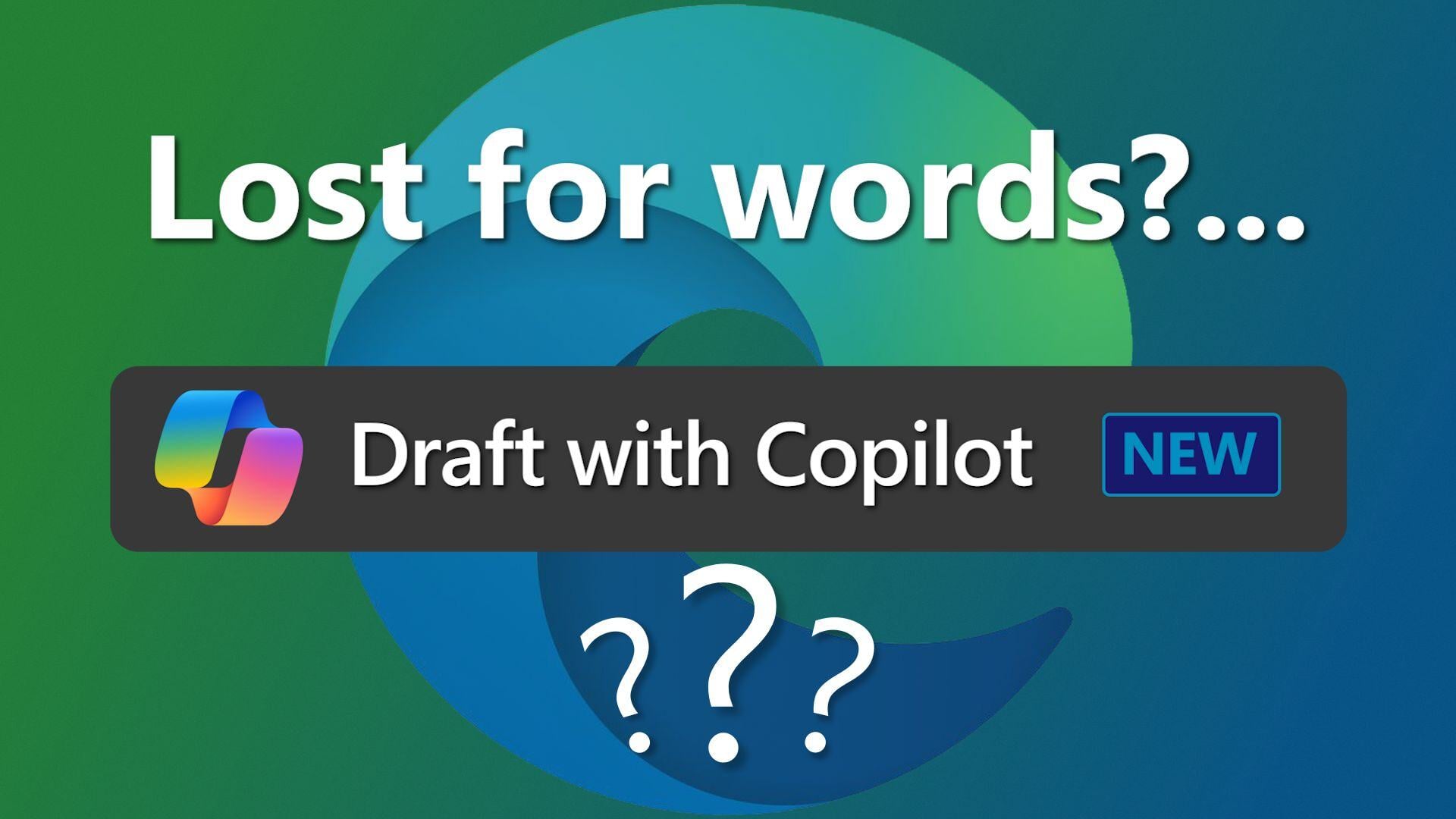
Revolutionize Your Workflow with Copilot in Microsoft Edge
Microsoft’s Edge browser is set to introduce an AI-powered feature: ‘Draft with Copilot,’ designed to streamline your workflow and enhance productivity
-
Stay Secure: Why Upgrading to Windows 11 Version 23H2 is Essential for Your Business
The latest version of Windows 11, 23H2, introduces advanced security features specifically designed to ensure your business data remains secure
-

Optimizing PC Performance with Windows 11’s Autostart Management
Starting a PC auto-loads a predefined list of apps. Some are essential for business operations, others are not and can significantly slow down your…
-

The Small Changes in the Latest Windows 11 Update Explained
One notable change in the latest Windows 11 update is the relocation of the Copilot AI assistant button to the taskbar’s far right corner.
-
Experience a Digital Breakfast Upgrade with Windows 11 “Moment 5”
Moment 5 enriches the user experience of Windows 11, bringing enhancements to accessibility, user-friendliness and versatility.
-

Windows 11 upgrade: Background Blur and Content Search are here
Windows 11, a feature-rich operating system, is on the verge of a significant upgrade that promises enhanced functionality.